Monday, April 4, 2011

different characters


Logo Ideas


I added a brain


The Hmmm.... represents the user thinking


Question mark represents the user asking him/herself the question e.g. what's my PPS number. The colours represent the nerves in the brain trying to find the answer.


Christine Roche

background ideas

This represents people remembering things slightly....in dots


This represents a sense of confusion.


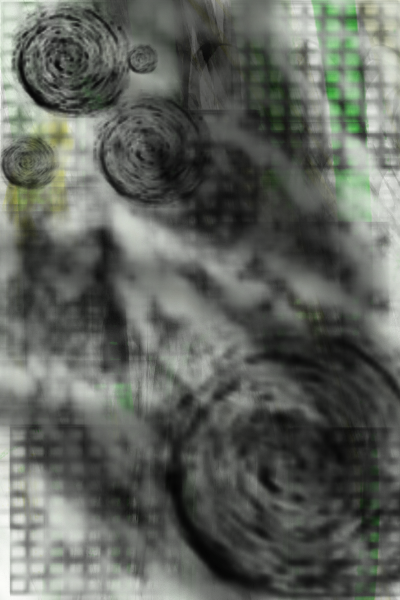
This represents the fuzzy feeling when you can't remember something. Perhaps this could work as a background?


This represents a persons brain trying to remember all the little things. Could be used as background.


This is an idea of what the background to each page might look like.


Christine Roche

Step By Step

1. User selects app on their android phone.
2. Loading page.
3. Welcome page.
4. Three icons show up, School, Bank and Doctor.


5. User enters information and clicks save.


6. Automatically returns to icon menu first time the user is using the app.


7. User enters information into Bank.


8. Returns automatically to menu where user selects final icon, doctor.


9. User enters information and saves.


10. Goes automatically to security page where user enters in passwords and saves. When user returns he/she will be asked the first question to log in.
If answers correct the user can log in.
If answered wrong the second question is asked.


11. If the user gets the second question wrong he/she is asked the master question. Only the user and his/her trusty person (e.g. Tony, parents/guardians) know the answer to this question. If the user forgets, he/she can ring the trusty who's number appears when the master question appears. The user can then log in.


12. The user has the option of choosing a character. Male or Female. Once selected you can personalize it.


13. You can choose the hair colour and eye colour to make it look like you or someone you know, whatever your preference.


14. The user can add and edit the information they put in if it changes over time.


Please note: This is only a rough step by step guide of what to expect, this is not how it will look.


Christine Roche


Friday, April 1, 2011

Meeting with Phil 01/04/11

Myself, Lauren and Stephanie had a meeting with Phil today to discuss our progress. He expressed much concern that we had not met with him over the past 2 weeks only Lauren had and we addressed the issue. We also addressed other issues such as the interface design and came to good conclusions. We discussed our visit to Doras and told Phil all the positive feedback we received. Our plan of action from here involves everyone working extra hours a week on their individual roles.

Christine Roche

Style Cope Prefered


This is an example of what the hospital icon will look like. They preferred the 3D effect in comparison to the sketched effect shown above.


Cope Visit 31/04/11

All members of the group went down to Doras for 10 o clock on the 31/04/11. We explained what our project was again just in case the clients had forgotten. They all reiterated that they loved the idea.

Stephanie then gave them a survey to fill out like the one shown below. They all enjoyed filling it out and we got positive feedback from all of them.

I then showed them a slideshow of what the app will look like on an android phone. They loved the colours, the concept(the buddy icons are their superheroes) and the style(cartoon). However when I showed them other examples of what the icons could look like, they preferred them. These icons were more 3D and less sketched out. This is a great help to me as I myself was iffy about the style after our presentation. However they all loved the characters and laughed and joked about how they all refused to call their character Tony, as you will have the option to name your character. Tony and Michael loved that by having a girl and a boy it would make it universal.

Lauren and Alan then spoke about the coding side of the project and explained how the application would work when completed.

We all found the trip extremely helpful and we have organized another meeting for Tuesday the 5th of April at 10 o clock to show them further developments and discuss the project further as well as user testing that will be conducted by Stephanie with help from me.

Christine Roche